
How to copy a link or open it in Safari from the Instagram, Facebook or TikTok in-app browser on iPhone
Published · 5 min read
When you tap a link in Instagram, Facebook or TikTok, the page usually opens inside the app, in a built-in browser with no normal address bar. To keep that page, copy its link from the in-app browser's menu or open it in Safari, then save it. The exact menu words change between apps and versions, so look for "Copy link" or "Open in browser" behind the three-dot or share button.
This guide shows where those options usually are, what to do when an app hides them, and how to save the link so it does not vanish when you close the page. It covers iOS behaviour and the apps' menus as they commonly look; if your screen differs, the idea is the same.
Why do links open inside the app instead of Safari?
Social apps open outside links in their own web view so you stay in the app. It is convenient for them, but it has side effects: there is no full address bar, your Safari logins and saved passwords are usually not available, and closing the page can lose your place. That is why a link you wanted to keep can be hard to get back.
How do I copy the link or open it in Safari?
Open the link, then look at the top or bottom bar of the in-app browser.
- 1Tap the three-dot menu (⋯) or the share icon. Which one appears depends on the app and version.
- 2Choose Copy link if it is offered, or an option such as Open in browser or Open in Safari.
- 3If you chose Copy link, open Safari (or any app) and paste it into the address bar or a note.
Some apps show these options only for some pages, and TikTok in particular does not always offer them. When the menu has nothing useful, use one of the fallbacks below.
What if there is no Copy link or Open in browser option?
- Go back and copy the link before you open it: touch and hold a link in a bio, caption or comment, then choose Copy if the app offers it.
- Use the post's own share button in the app and choose Copy link; that copies the link to the post, which is often what you actually want.
- If the page's address is shown at the top of the in-app browser, tap it, and if it becomes selectable, copy it.
- Search for the page's title in Safari. For a news article or a product page this usually finds it again in seconds.
Be careful when you paste: social links often carry long tracking parameters after a question mark. They are safe to leave in, and you can remove them as described in how to remove tracking parameters from a link.
How do I keep the link so I can find it again?
Copying a link only puts it on the clipboard, which holds one item and is replaced by the next thing you copy. Move it somewhere permanent right away.
- Paste it into a note, or send it to yourself in a message.
- Add it to Safari's Reading List or to a bookmark folder once it is open in Safari.
- Save it in a link app so it is in one searchable place.
There is no clipboard history on iPhone, which is why people lose copied links; see how to find a link you copied on iPhone if you have already copied something else over it.
Where does Linkeeper help?
Linkeeper is an iPhone and iPad app that saves links from any app in one tap and keeps them in one organized, searchable library to read later. There are two ways to use it here.
- From the share sheet: when an app or page shows the iOS Share button, choose Linkeeper and the link is saved without opening the app. If Linkeeper is not in the list, see how to add an app to the share sheet.
- From a copied link: after you copy a link, open Linkeeper's add screen. If a link is on the clipboard it offers a Paste chip, and iOS may ask you to allow pasting. Tap it, check the preview, then save.
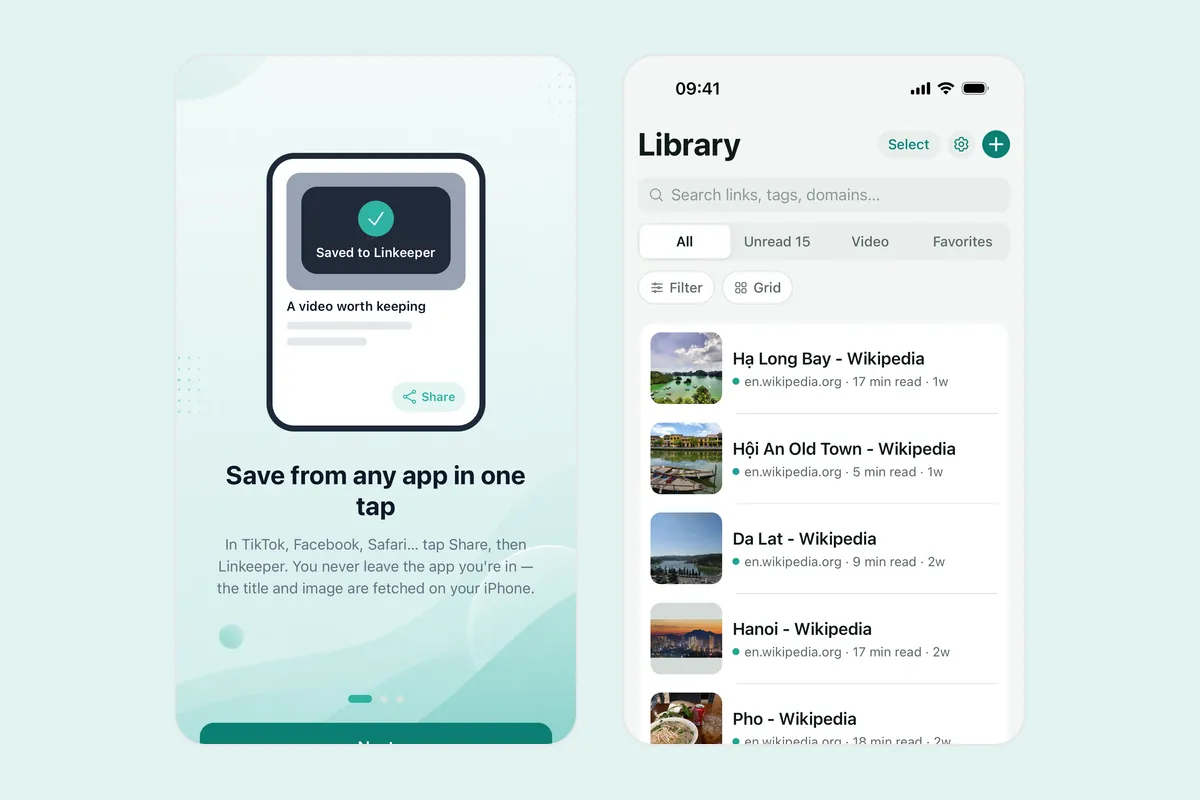
Linkeeper tries to fetch the title and a thumbnail for the link. If it cannot, you can still save it. If the link is already in your library, it tells you instead of saving a duplicate. For saving posts from each social app, see how to save TikTok, Instagram and Facebook links.
Frequently asked questions
- How do I open an Instagram link in Safari on iPhone?
- Tap the three-dot menu in the in-app browser and look for Open in browser or Open in Safari. If it is missing, choose Copy link instead and paste the address into Safari.
- Why does the in-app browser not remember my logins?
- It is the app's own web view, not Safari, so it usually does not share Safari's logins or saved passwords. Opening the page in Safari usually brings them back.
- How do I copy a link from a TikTok video?
- Tap the Share button on the video and choose Copy link. That copies the video's link. To copy a link inside a creator's bio, touch and hold it and choose Copy if the app offers it.
- Can I change my iPhone so links open in Safari by default?
- Not for these apps. There is no iPhone setting that forces another app's links to open in Safari, so use the menu option or copy the link.
- Does Linkeeper work with the share sheet from these apps?
- Linkeeper appears in the iOS share sheet, so you can choose it wherever an app offers the standard Share button. If an app only offers Copy link, copy it and use Paste in Linkeeper's add screen.