
How to save the link from a QR code on iPhone (without opening it first)
Published · 4 min read
Point the iPhone Camera at a QR code and it shows a banner with the web address; tapping the banner opens the page. To keep the link instead, open the page in Safari and save it from there, or copy the address from the banner when your iOS version offers that option.
This guide covers the ways to get the link out of a QR code (from the Camera, from a screenshot or photo), and how to save it so you can find it again. Menus and options differ between iOS versions, so if one step does not match what you see, try the next method.
How do I see the link in a QR code before opening it?
- 1Open the Camera app and point it at the QR code. Keep it steady until a banner appears.
- 2Read the address shown in the banner. Check that it looks like the site you expect before you tap anything.
- 3Look for a small button at the right end of the banner. On many iOS versions it opens a menu with options such as Copy Link, Share, Add to Reading List and Open in Safari. If you do not see it, press and hold the banner or the code.
Some iOS versions skip the menu and open the page when you tap the banner, so the exact options depend on your version. If you only need the address, the Copy Link option is the quickest way to keep it.
How do I save the link from a QR code to read later?
The most reliable route works on any iOS version: tap the banner to open the page in Safari, then use the Share button and choose where to send the link. Safari’s Share button opens the standard iOS share sheet, so you can pick Add to Reading List, Add Bookmark, or any app that saves links.
If you copied the link instead, paste it into a note or a message to yourself, or save it with a link app. Without that step it only lives on the clipboard until you copy something else; see how to find a link you copied on iPhone.
How do I scan a QR code from a screenshot or a photo?
The Camera app needs a live view, so it cannot read a QR code that is already on your screen. For a screenshot or a photo, open it in the Photos app and press and hold the QR code, or tap the Live Text icon if your version shows one. Live Text is not available on every iPhone model and iOS version, so check that it is on for your device.
If your iPhone cannot read it from the Photos app, open the Camera on another device and scan the code from the screen, or use a QR scanner app you trust. Be careful with scanner apps that ask for more access than they need.
How do I keep QR code links in one place?
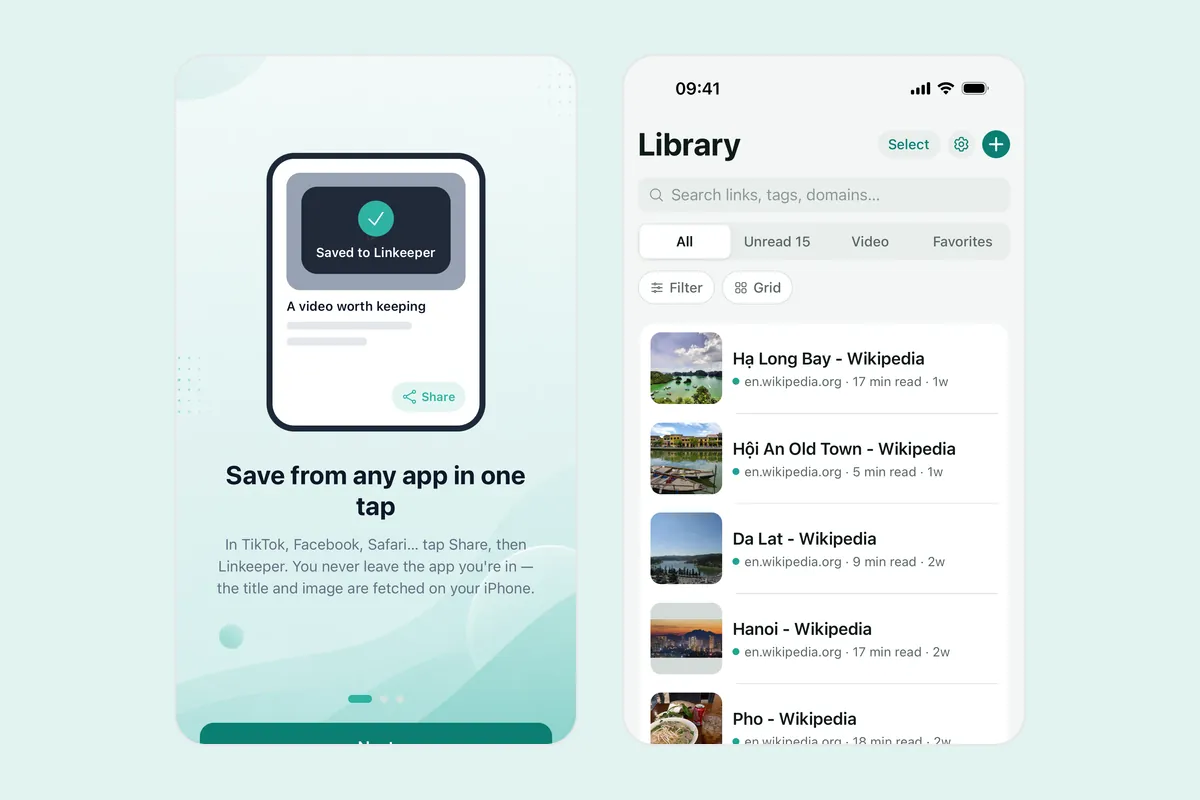
Linkeeper is an iPhone and iPad app that saves links from any app in one tap and keeps them in one organized, searchable library to read later. It does not scan QR codes itself; it saves the page once you have opened it in Safari.
- 1Scan the code with the Camera and open the page in Safari.
- 2Tap Share and choose Linkeeper. The app does not open; a small card confirms the save, or says the link is already saved.
- 3Open Linkeeper later to search for the link by its title, add tags or put it in a collection.
If Linkeeper is not in the share sheet row, scroll to the end, tap More and add it, as described in how to add an app to the iPhone share sheet. Saved links are stored on your device first, so searching works without a connection; the page itself still needs one to open.
Is it safe to open a link from a QR code?
A QR code is only a way to write a web address, so the same care applies as for any link. Check the address in the banner before you open it, be wary of codes stuck over other codes, and do not enter passwords or payment details on a page you reached from a code you cannot vouch for. Saving the link first, instead of opening it, gives you time to look at it.
Frequently asked questions
- How do I copy a link from a QR code on iPhone?
- Scan the code with the Camera and look for the small button at the end of the banner, which may offer Copy Link. If your iOS version does not show it, press and hold the banner, or open the page in Safari and copy the address from there.
- Can I scan a QR code from a screenshot on iPhone?
- Often, yes. Open the screenshot in Photos and press and hold the QR code, or tap the Live Text icon. This depends on your iPhone model and iOS version.
- How do I save a QR code link to the Reading List?
- Open the page in Safari, tap Share and choose Add to Reading List. Some iOS versions also offer it from the Camera banner’s menu.
- Can Linkeeper scan QR codes?
- No. Scan the code with the Camera, open the page in Safari, then share it to Linkeeper to save it.